 Receipt Camera
Photograph the page
Put the receipt or letter on a plain, dark surface with even lighting. Hold your phone above the page and tap Capture.
Receipt Camera for Android
Crop out the background, save receipts on your phone and share several scans in one PDF (Portable Document Format). All scanning works offline.


Keep a copy before the paper curls, gets lost or fades. Capture one page at a time, then choose how to keep or share it.
Put the receipt or letter on a plain, dark surface with even lighting. Hold your phone above the page and tap Capture.
Check that the outline includes the whole page. Adjust the edges if needed. Choose Photo, Enhance or Black & white, then tap Save.
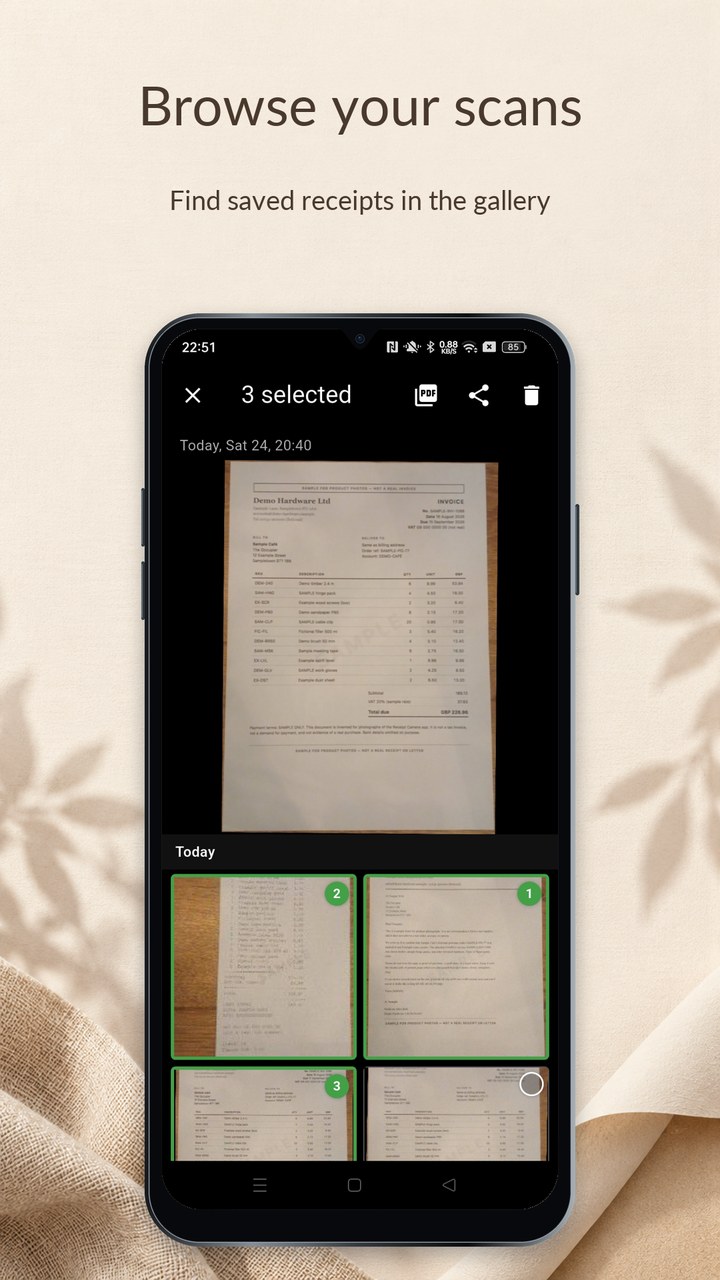
Press and hold the Capture button, then tap Gallery. To make one PDF, press and hold a small photo to select it, tap any others you want, then tap Export PDF.
Tap a screenshot for a closer look.
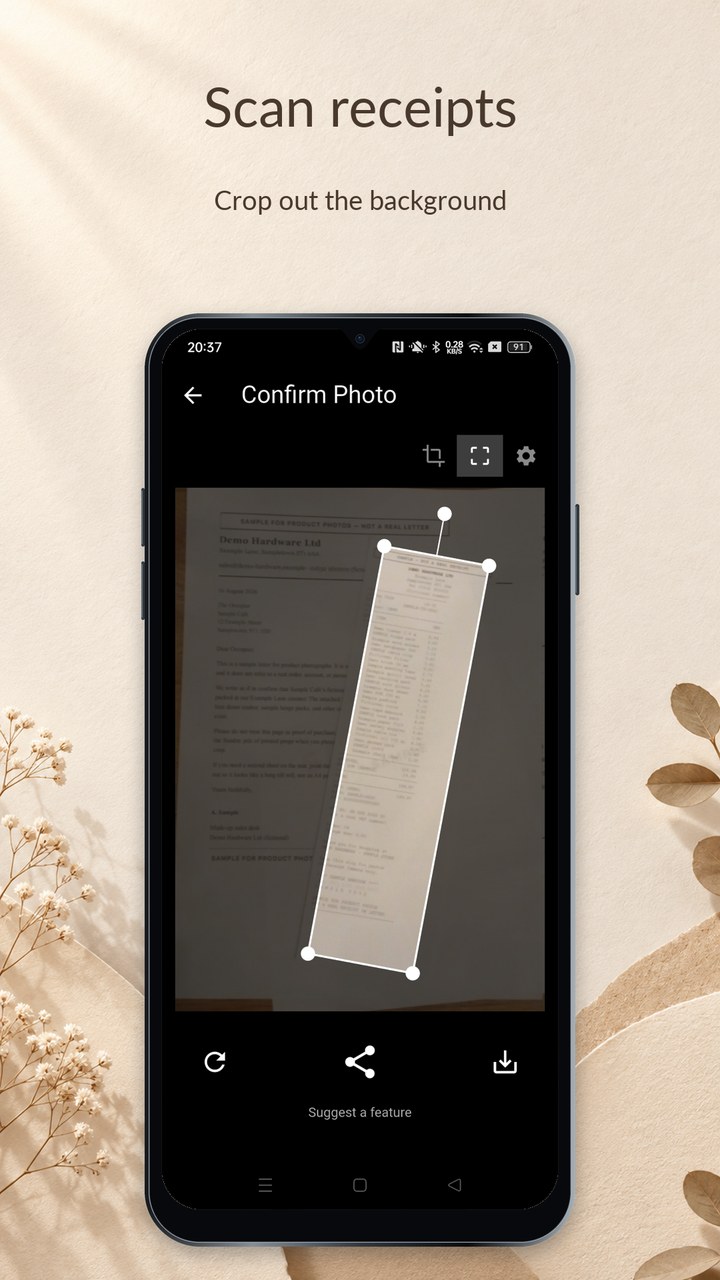
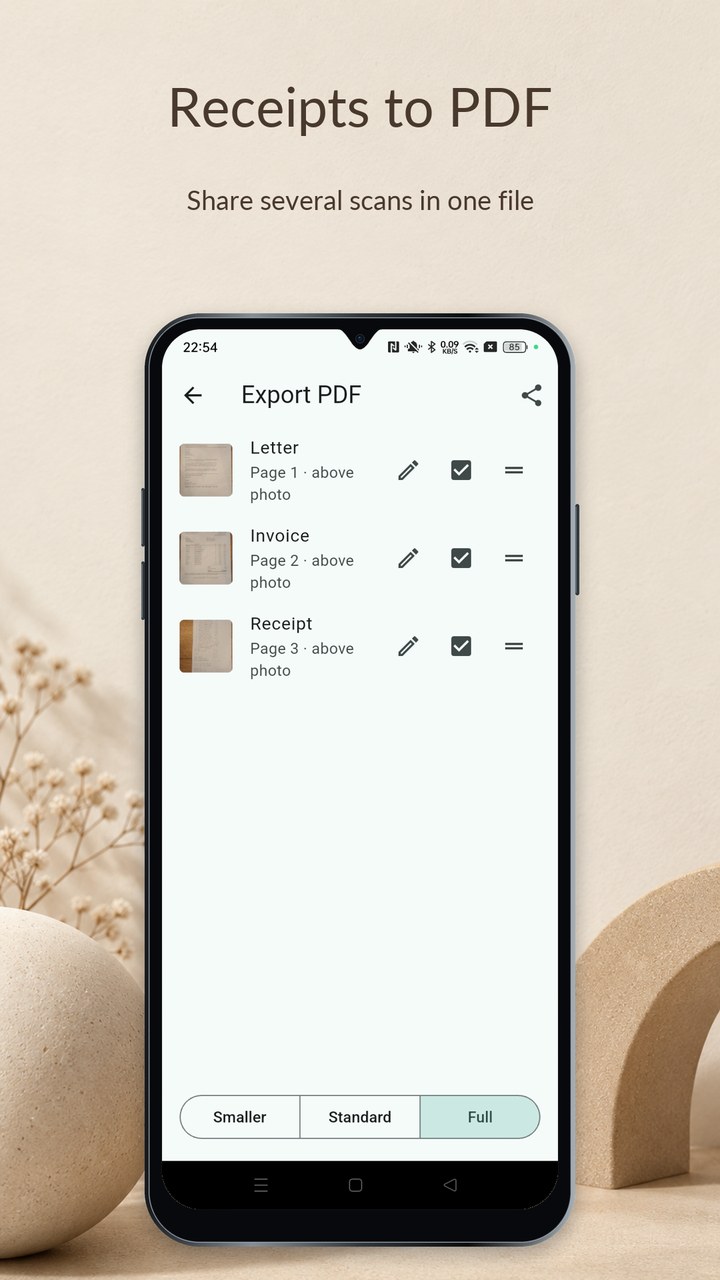
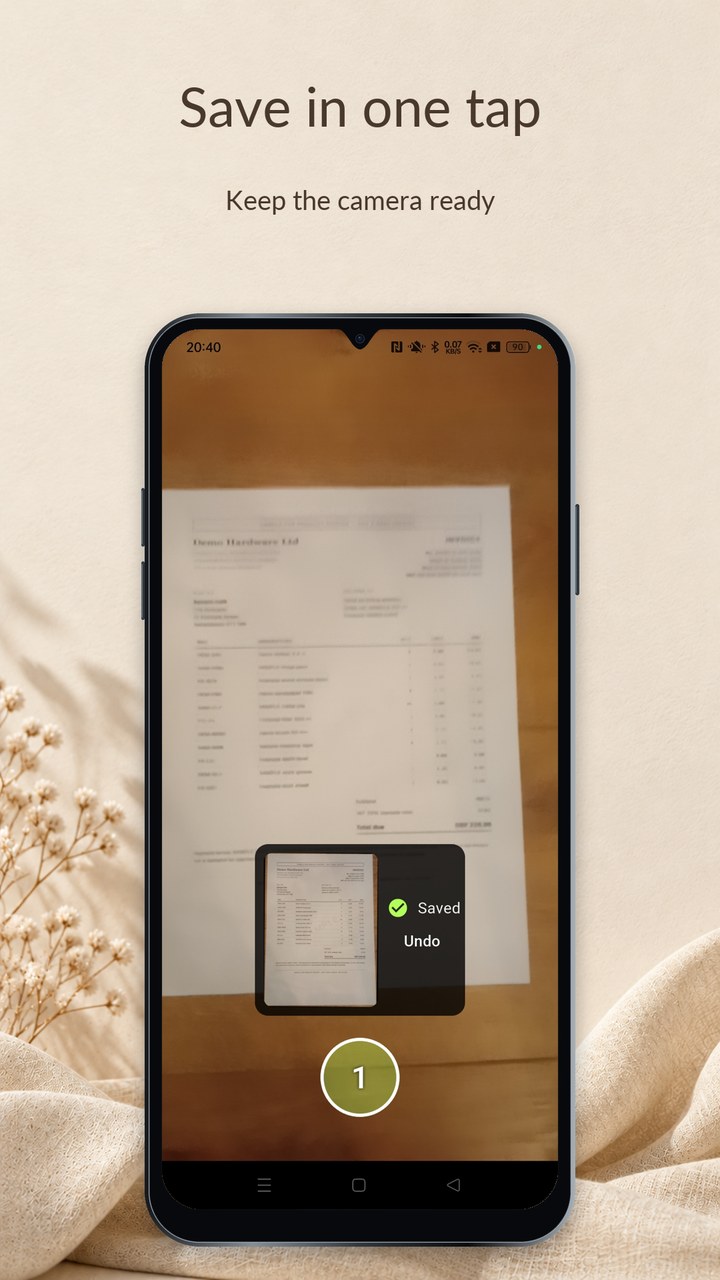
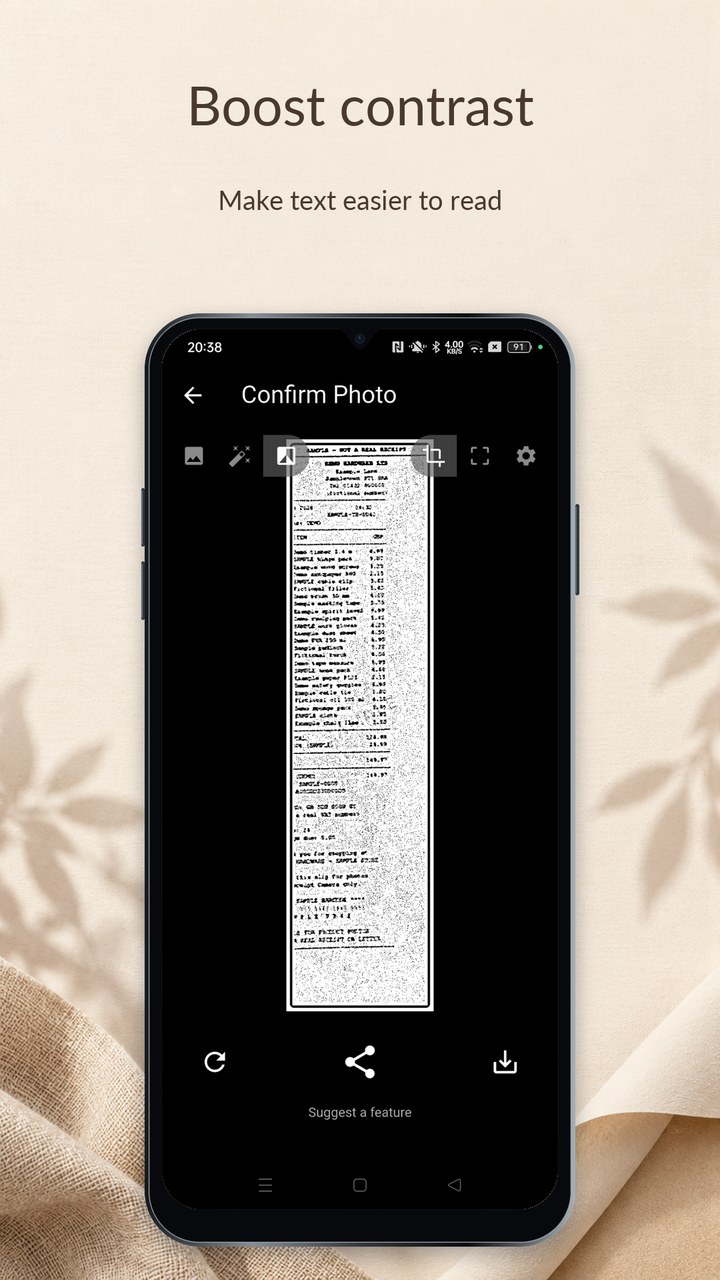
Receipt Camera scans receipts, letters and documents on Android. It trims the background, straightens the page and saves a photo on your phone. You can also share several scans in one PDF. No internet or account needed.
Updated
Keep your receipt photos together in the app’s gallery. Open a photo and zoom in to check the writing.
Choose the saved photos you want and put them in one PDF, with one photo on each page.
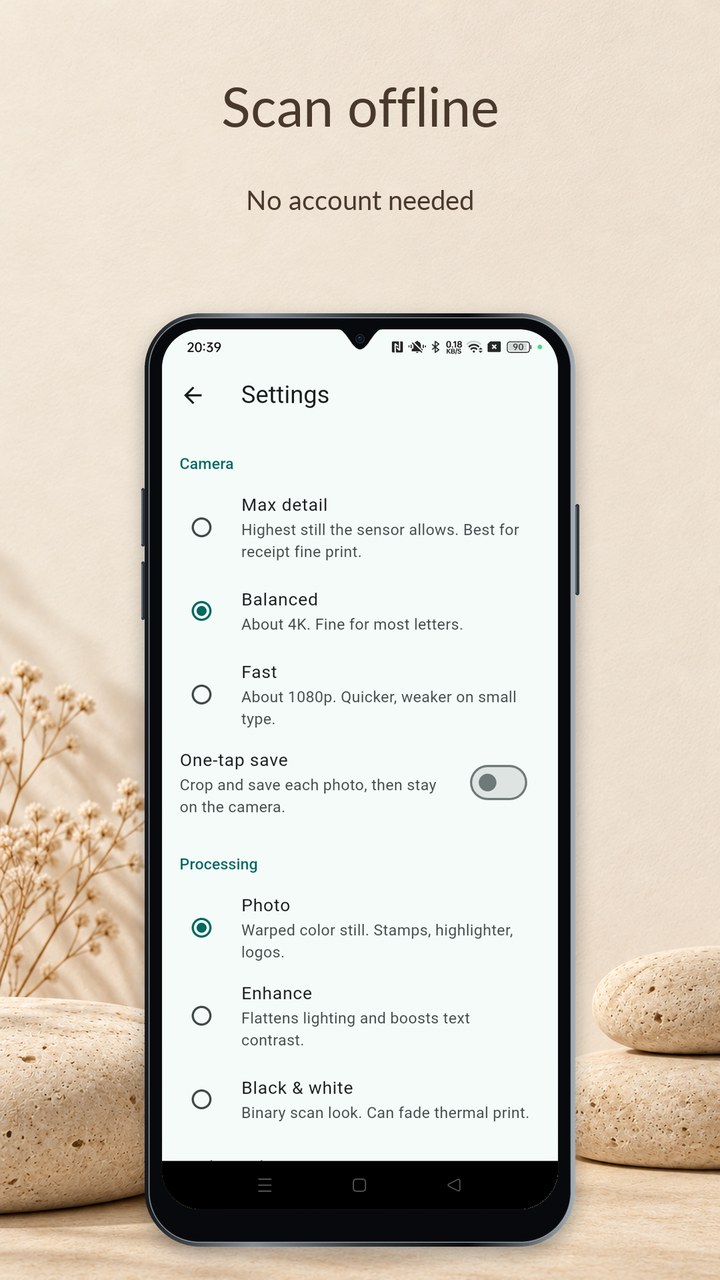
Switch on One-tap save to take and save each photo without leaving the camera. Check your photos in the gallery afterwards.
Use Photo to keep the colour. Try Enhance to make the writing stand out, or Black & white for a photocopy look. Choose the clearest result.
Receipt Camera scans, saves photos and makes PDFs without internet. It does not send your scans to us or ask you to create an account.
When you share a file, the app you choose handles sending it and any internet connection it needs. If you use Google Photos or another backup app, that app can copy saved photos to your online account. Check its backup settings.
You can hold your phone to take a scan. A stand can help keep it steady when you have a pile of receipts.

Short guides for saving, sharing and photographing receipts.
Select saved scans and share them together in one file.
Find your saved photos and choose whether another app backs them up.
Use better lighting and check the edges and writing before you save.
Yes. Save your scans, then press and hold Capture and tap Gallery. Press and hold a small photo to select it, tap any others you want, then tap Export PDF. Each photo becomes one page.
Yes. Receipt Camera works without internet. When you share a file, the app you choose handles sending it and any connection it needs. Receipt Camera does not send the file to us.
No. Receipt Camera on Google Play is free, with no account, ads or subscription.
Open your phone’s photo app and look for the Receipt Camera album. You can also find the photos in Pictures/Receipt Camera. The app’s own gallery shows photos saved with Receipt Camera.
Press and hold Capture, tap Settings and switch on One-tap save. Each photo is then cropped and saved without leaving the camera.
No. Receipt Camera does not send your photos or PDFs to us. You choose which app to share them with. If you use Google Photos or another backup app, check whether it backs up your receipt photos.
No. The app saves a picture of the page. It does not read the words or add up the amounts.
Receipt Camera is available for Android only. You can get it from Google Play.
Free on Google Play. No account to create.